Satellites have revolutionized modern communication, broadcasting, navigation, and weather monitoring. From watching international news channels to using GPS while driving, satellites are an essential part of our daily lives. In this article, we explore what satellites are, their orbital types, and how to receive their signals at home.
🌍 What Is a Satellite?
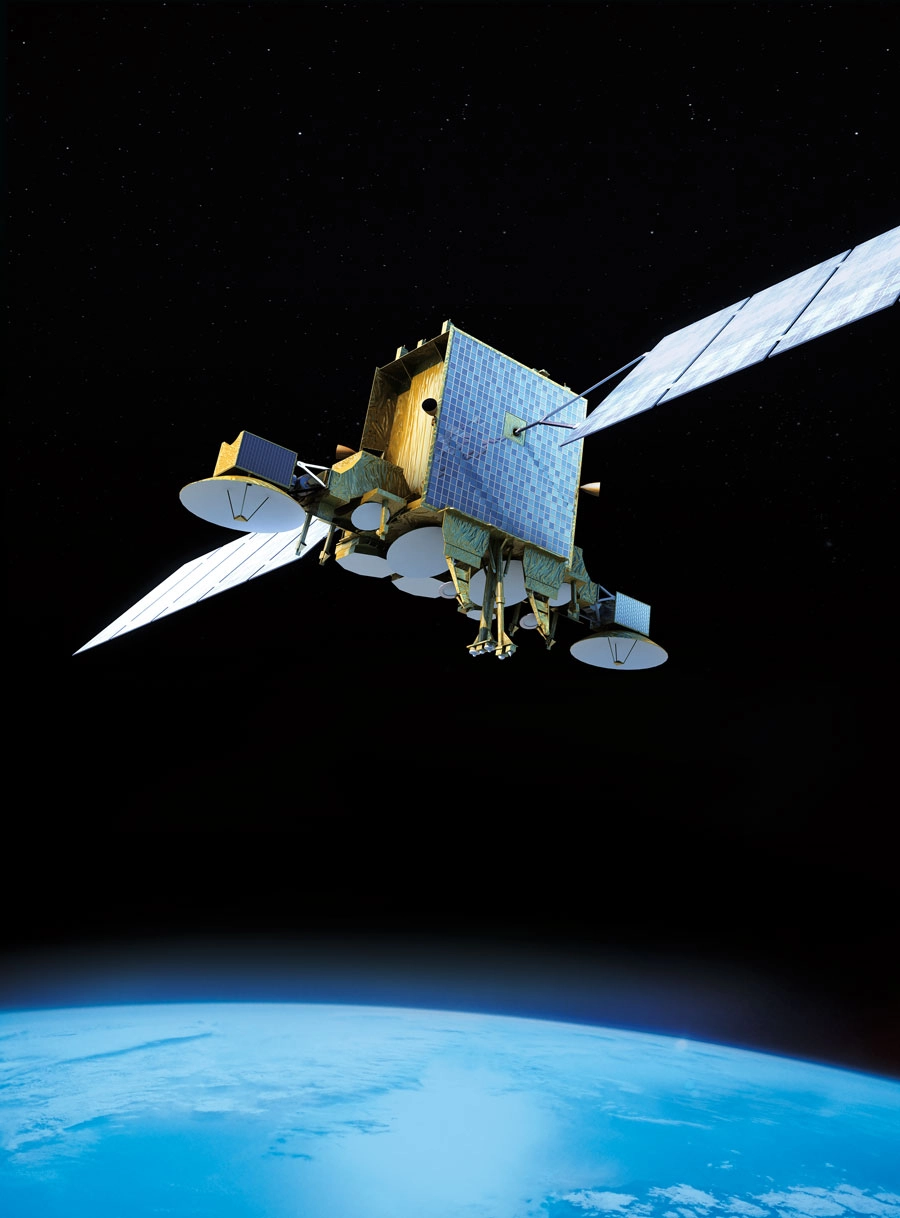
A satellite is an artificial object launched into space to orbit a planet or other celestial body. Satellites are used for a wide range of applications, including:
-
Television and radio broadcasting
-
Internet and telecommunication
-
GPS and global navigation
-
Military reconnaissance
-
Weather forecasting and climate research
-
Earth observation and scientific exploration
🧭 Types of Satellite Orbits
Satellites orbit the Earth at different heights depending on their mission. The three main types of satellite orbits are:
1. LEO – Low Earth Orbit (160 km – 2,000 km)
-
Orbits Earth in 90–120 minutes
-
Used for: internet (e.g., Starlink), Earth imaging, space stations (ISS)
-
Low latency and high resolution
-
Requires many satellites for global coverage
2. MEO – Medium Earth Orbit (2,000 km – 35,786 km)
-
Orbits Earth in 2–12 hours
-
Used for: GPS, GLONASS, Galileo navigation systems
-
Balanced latency and coverage
-
Fewer satellites needed than LEO
3. GEO – Geostationary Orbit (35,786 km)
-
Remains fixed over one location on the equator
-
Orbits the Earth in 24 hours (same as Earth’s rotation)
-
Used for: television broadcasting (e.g., Nilesat, Hotbird), communications, weather satellites
-
Provides constant coverage of a large area
-
Higher latency but perfect for broadcasting
📡 How to Receive Satellite Signals at Home
To view satellite television or receive satellite data, you need a satellite reception system. Here’s how it works:
🧰 Essential Components:
| Component | Function |
|---|---|
| Satellite Dish | Captures signals from the satellite and reflects them to the LNB |
| LNB (Low-Noise Block) | Converts and amplifies signals from the satellite into usable frequencies |
| Receiver (Decoder) | Translates satellite signals into video/audio or data |
| television or Monitor | Displays the content |
🛰️ Steps to Receive a Satellite Signal:
-
Choose the Right Satellite:
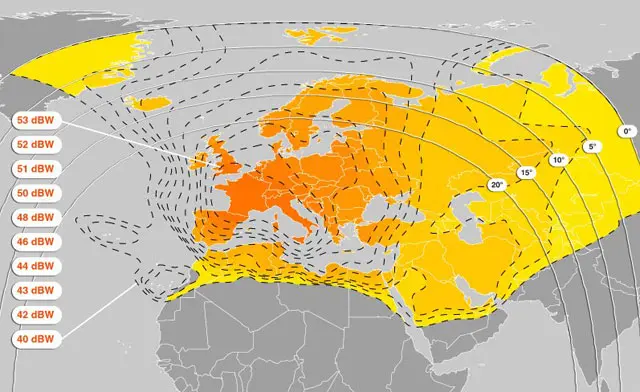
Example: Hotbird (13°E), Nilesat (7°W), Astra (19.2°E) -
Position the Dish:
-
Use a compass or satellite finder to align the antenna to the satellite’s location.
-
Adjust azimuth (left/right), elevation (up/down), and skew (LNB tilt).
-
Fine-adjust the signal using a signal meter or the receiver’s signal strength screen.
-
-
Connect the Equipment:
-
Connect LNB to the receiver using a coaxial cable.
-
Connect the receiver to your television using HDMI or AV cables.
-
-
Scan for Channels:
-
Use your receiver’s menu to scan transponders or manually enter frequency settings.
-
Example:
-
- Save Channels and Enjoy!
💡 Suggestions for Better Signal Quality:
-
Use a high-quality antenna (at least 60–80 cm for most satellites).
-
guarantee there are no obstacles (trees, buildings) between the antenna and the sky.
-
Secure the antenna firmly to avoid movement due to wind.
-
Weather can affect signal—especially heavy rain (known as rain fade).
🛰️ Popular Broadcasting Satellites:
| Satellite Name | Orbital Position | Usage |
|---|---|---|
| Nilesat | 7° West | Arabic and African channels |
| Hotbird | 13° East | European and some Arabic television |
| Astra 19.2°E | 19.2° East | Western European channels |
| Galaxy 19 | 97° West | North American international television |